|
|
|

-
Quick Tips
- Enable required permissions for best performance
- Set your permit type in your profile
- Save frequently used parking areas
- Use navigation features when arriving on campus
-
FAQs
How does ETSU Parking work?
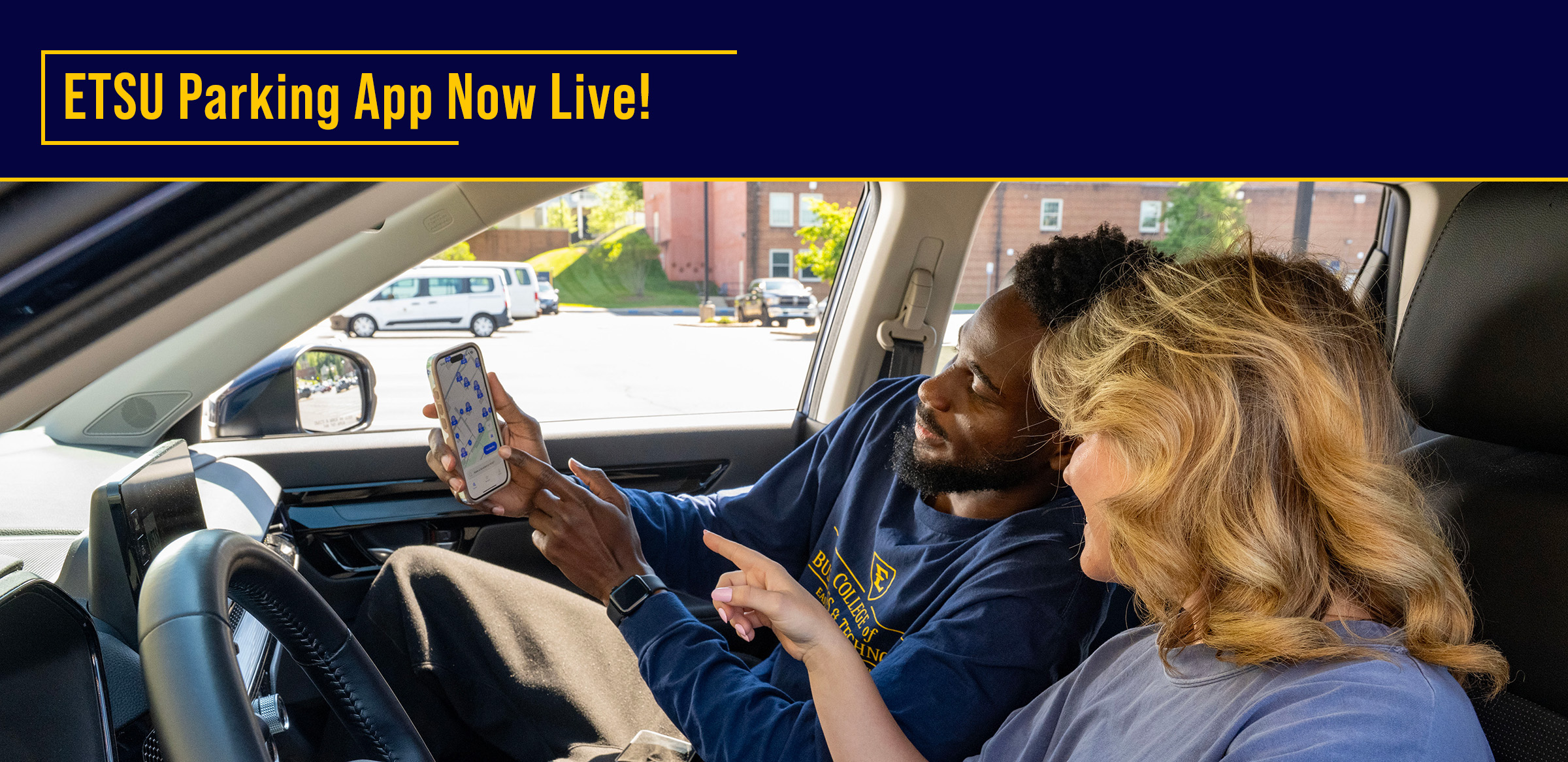
The app uses your device’s location and motion settings to recognize when you arrive at or leave a parking area. This information is used to estimate parking availability across campus in real time.
Once installed, log in, set your parking preferences, and use the app when arriving on campus.How do I find parking?
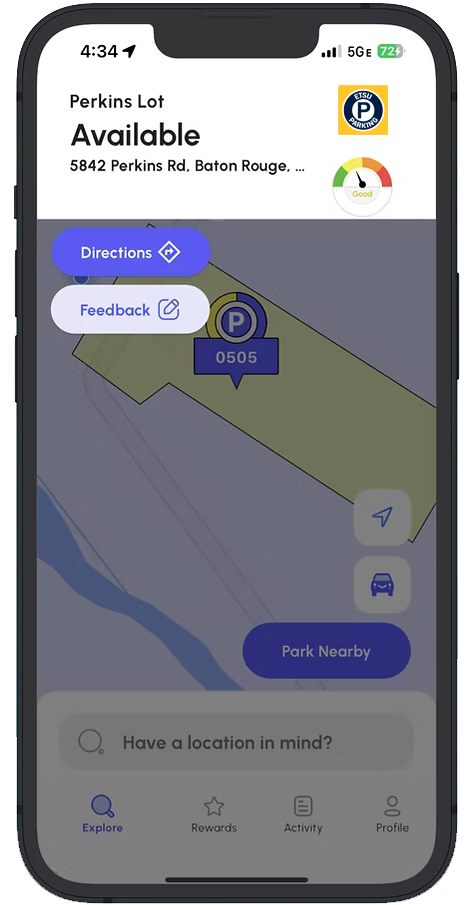
Use the “Park Nearby” feature to receive directions to available parking areas. The app considers your permit type and current conditions to guide you to appropriate locations.
How do I set my parking preferences and favorites?
Set your permit type within your profile so the app displays only eligible parking areas. You may also save frequently used lots for quicker access.
I’m a visitor. Where should I park?
Visitors may obtain a temporary parking pass online or in person at the Parking Services office (132 Stout Drive).
Paid meter spaces are also available on campus and do not require a parking pass. These locations use the ParkMobile app. Visitors should follow posted signage and instructions at each location.
ETSU Parking is designed to assist with navigation and permit-based parking and does not replace visitor parking requirements.What permissions does the app require?
- To function properly, the app requires location and motion permissions. These allow
the app to:
- Detect when you park or leave
- Save your parking location
- Provide navigation back to your vehicle
- Contribute to overall parking availability data
- Location activity is limited to campus parking areas.
Can I view details about specific parking areas?
Yes. Select a parking area on the map to view availability, designation, and any applicable restrictions.
What if the app is not working properly?
App performance may be affected by device settings, connectivity, or disabled permissions. Ensure required permissions are enabled and that your device has an active data connection while on campus.
Does ETSU Parking replace parking permits or regulations?
No. ETSU Parking is a tool to assist with parking and navigation. All users are responsible for following campus parking regulations, permit requirements, and posted signage at all times.
Does the app prevent parking violations?
The app may provide notifications related to parking restrictions or activity in certain areas. However, it does not guarantee parking availability or compliance. Users are responsible for ensuring they are parked appropriately.
What if parking availability is not accurate?Parking availability and navigation guidance are based on current data and conditions and may vary.
The app should be used as a guide, and users should always rely on posted signage.Do I still need to register my vehicle with Parking Services?
Yes. All vehicles must be properly registered and associated with a valid permit in accordance with university requirements.
Will I be tracked?
- Location data is only used within campus parking areas and is not tracked outside
of those locations.
Privacy is a Priority:- Personal information is not shared
- Parking activity is collected in an anonymous format
- Individual vehicle locations are not visible to others
- Data is used only to improve parking availability
Can I provide feedback?
Yes. Users may submit feedback within the app to report concerns or share their parking experience. This helps improve parking services over time.
Why should I use ETSU Parking?
- Using the app can:
- Reduce time spent searching for parking
- Provide guidance to appropriate parking areas
- Notify users of changes that may impact parking availability
- Improve overall parking data for the campus community
- To function properly, the app requires location and motion permissions. These allow
the app to: